
FlowShift
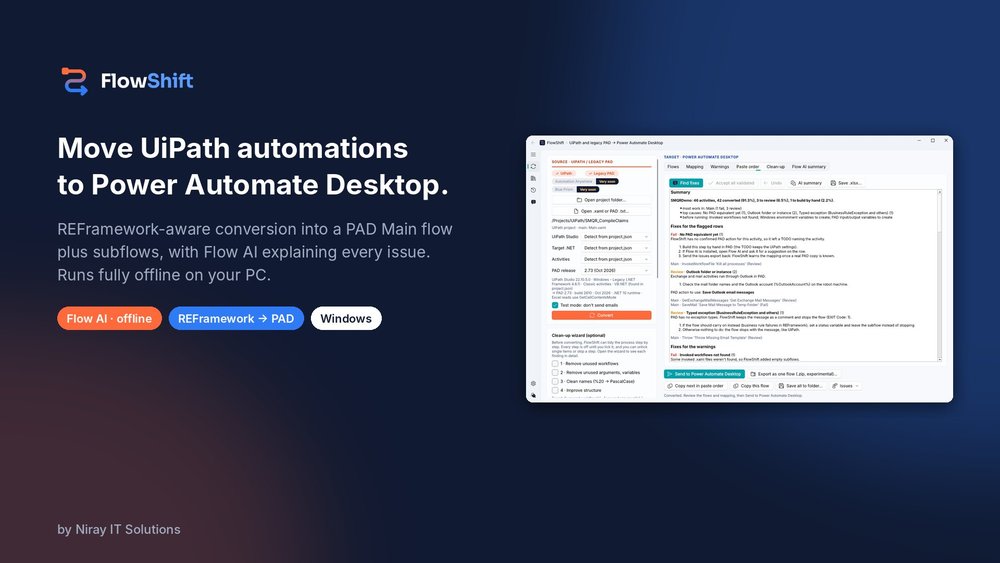
FlowShift is a Windows desktop tool by Niray IT Solutions that converts UiPath projects, including REFramework processes, into Power Automate Desktop flows. Flow AI, its built-in offline assistant, summarises each conversion and explains every error and warning with a clear fix.
 UiPath
How We Built It
The Story Behind FlowShift
The Problem
Moving an RPA estate from UiPath to Microsoft Power Automate Desktop (PAD) usually means rebuilding every process by hand.
Tech Stack
UiPathSource: UiPath projects, including REFramework Power Automate DesktopTarget: PAD Main flow and subflows
The Solution
FlowShift does the heavy lifting for you. It reads the whole UiPath process, understands the REFramework structure, and rebuilds it as a PAD Main flow plus one subflow per workflow. Flow AI, its built-in offline assistant, summarises each conversion and explains every error and warning with a clear fix.
- REFramework aware: Init, Get Transaction Data, Process, End and Config mapped into a PAD Main flow plus subflows
- Pass / Review / Fail scoring for every activity
- Flow AI (beta), fully offline: summary, explanations, fixes and alternate routes
- Clean-up wizard: unused workflows, arguments and variables, name clean-up and reusable subflows
- Send to Power Automate Desktop, or copy and paste in the right order
- Excel issues export with a Summary tab and a Fixes tab
Explore
More From Niray
PerkLah
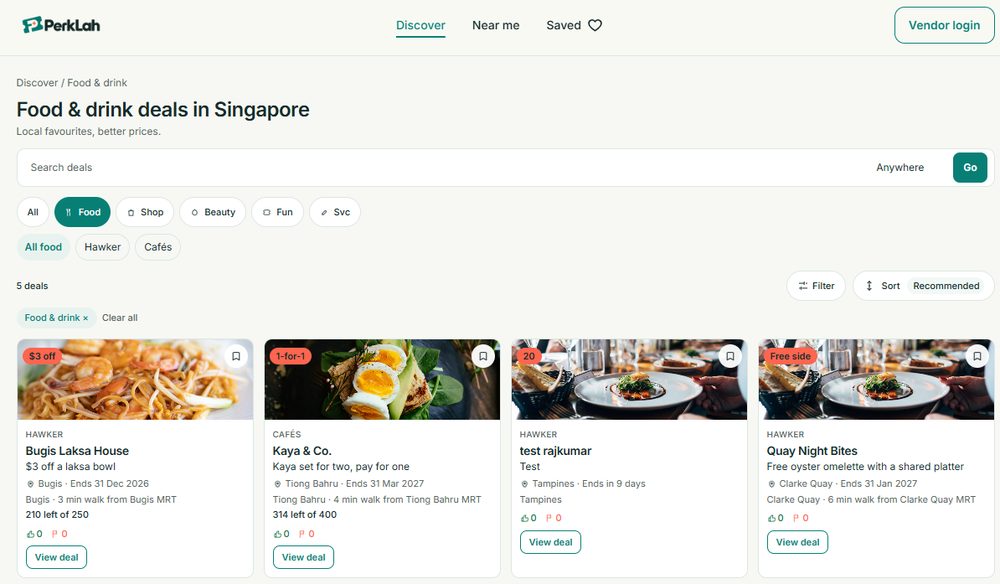
Deals and coupons discovery platform connecting Singapore consumers with offers from merchants near them. Built to make saving money effortless — hyper-local deals surfaced in real time.
View product
HotelKDS
Browser-based hotel and restaurant management platform with real-time kitchen display, QR table ordering, staff PIN access, and owner dashboard.
View product
CoTenanty
Modern co-living platform connecting tenants with shared living spaces. Streamlines property discovery, roommate matching, and lease management.
View product
Timesheet and Resource Loading
Timesheet and resource loading app built on Microsoft Power Platform with Code Apps, Dataverse and Power Automate.
View product
Asset Management System
Asset management system built on Microsoft Power Platform with Canvas apps, PCF, SharePoint and Power Automate.
View product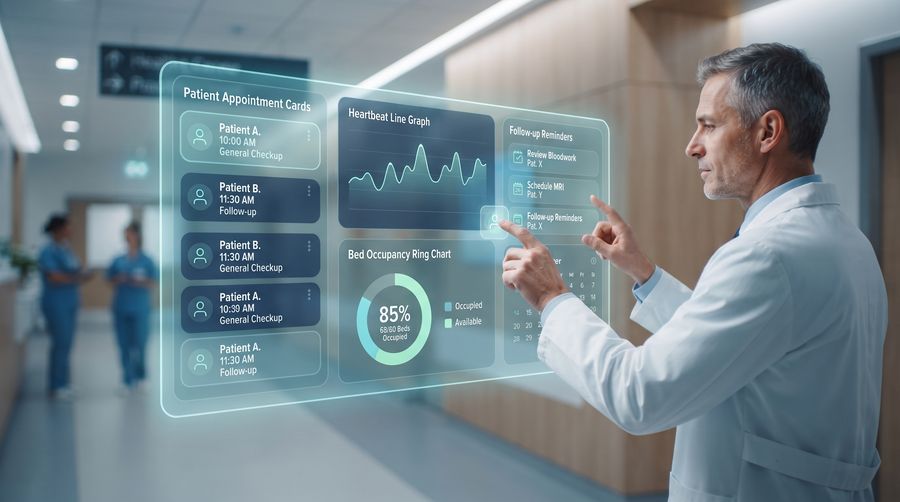
Hospital CRM
Hospital CRM built on Microsoft Power Platform with Code Apps, Dataverse and Power Automate.
View productHave a Project in Mind?
Tell us about your requirements and get a free consultation within 24 hours.
Get a Free Consultation